How to Generate a Fake Messenger Chat
Build a Facebook Messenger conversation in your browser — both sides, reactions, seen receipts, photos and voice notes — then download it in HD.
On this page
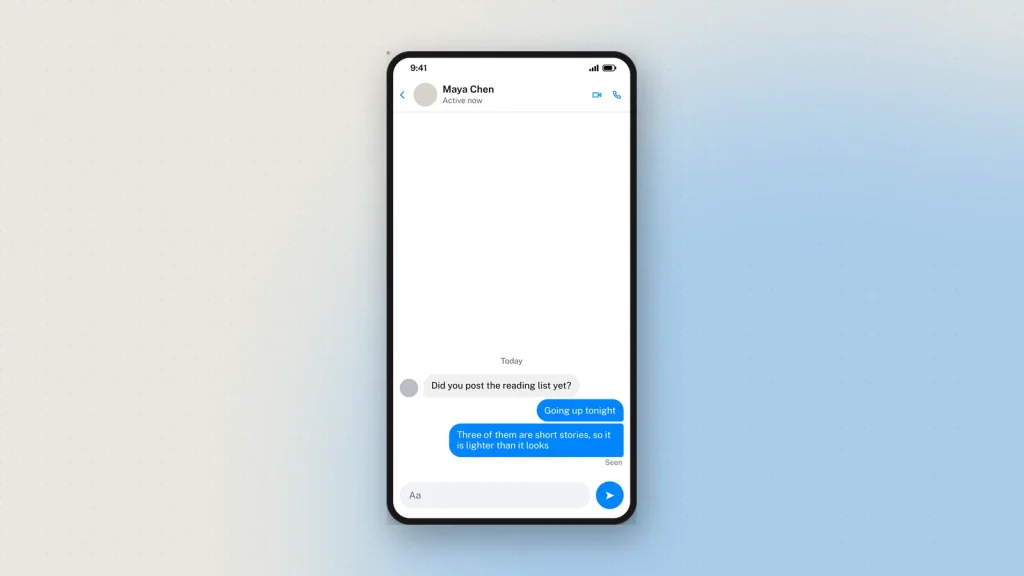
Messenger looks like no other chat app, and mockups that borrow WhatsApp’s layout get caught instantly. The seen marker is a face, not a word. Reactions hang off the corner of a bubble rather than sitting on their own line. And the whole conversation can take a colour the two people chose.
The Messenger chat generator draws the real thing. Here is what to set, and the three details that decide whether it passes.
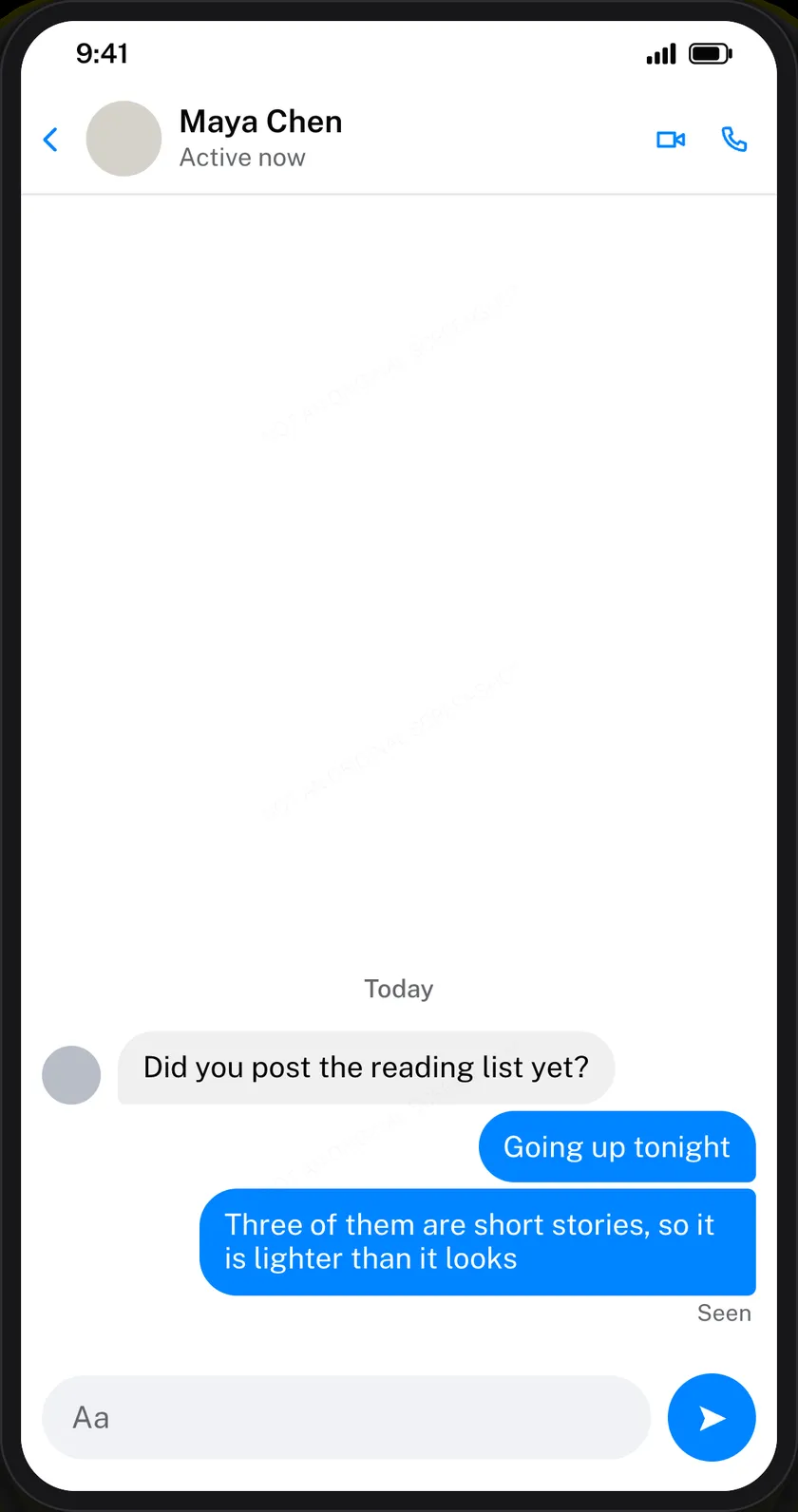
The contact row
Name, avatar, the verified tick if the account has one, and the status underneath — Active now or Active 2h ago. That status line does more work than it looks: “Active now” under a conversation where someone has stopped replying is a different story from “Active 4d ago”.
Write both sides
Each message is a card: Them or Me, the text, the time. Keep them short. Messenger conversations run as bursts of brief messages rather than paragraphs, and a long block in a bubble is the clearest sign something was written for a slide.
You can also add photos, voice notes with their own duration, call records, and date dividers between days. A thread made only of text is thinner than any real one.
The three things people get wrong
Seen is a face, not a word
Messenger shows a tiny version of the other person’s profile picture under the last message they have read. It does not write “Seen” — that is Instagram’s pattern, and mixing the two is the error that gives a mockup away to anyone who uses both.
Reactions overlap the bubble
A reaction emoji hangs off the bottom corner of the message it belongs to, overlapping it slightly. It does not sit on a line of its own underneath.
One conversation, one colour
Messenger lets a thread take its own colour, chosen once by the people in it. Changing it part-way down is not something the app does, so a mockup that does it reads as assembled rather than captured.
What fits on screen
The preview is one phone screen, and a long conversation runs off the top — the same as a real screenshot, which has never shown a whole thread. Build the ending you want to show; the last nine or ten messages are what will be visible.
Downloading, and the watermark
Tick the responsible-use box, choose 2×, 3× or 4×, press Generate. PNG, with a PDF option.
Every chat download carries a faint “Not an original screenshot” line, repeated diagonally so a crop keeps at least one copy, and it cannot be switched off. Chat screenshots are the format most often used to fabricate a conversation that never happened, and the harm from one convincing fake outweighs a faint line across a teaching slide. There is also a hidden origin mark the verification tool reads from the file as it was downloaded. Resizing it or re-saving it as a JPEG destroys that mark, so check the original rather than a copy that has been through a messaging app.
What people build with it
- Online-safety teaching. A pressure or grooming exchange recreated safely, so a class can name what is happening without a real conversation being shown.
- Scam awareness. The cloned-profile message, the marketplace deposit, the “is this you in this video” link — the messages people actually receive.
- Support and moderation training. A worked example for new staff, without a real member’s words in it.
- Product design. A placeholder conversation inside an app mockup, at a resolution that survives a pitch.
- Film and fiction. On-screen messages for a production, without a real account appearing.
Common questions
Is it free?
Yes, with no sign-up. Every feature including HD downloads works as a guest.
Can I add reactions to a message?
Yes — hanging off the corner of the bubble, as Messenger draws them.
How do I show a message as seen?
Mark the last message that has been read; the tool draws the small profile picture under it, which is Messenger’s own pattern.
Can I change the chat colour?
Yes, for the whole conversation.
Is there a dark mode?
Yes, with Messenger’s own dark colours.
How many messages can a thread hold?
Up to 50, with the end of the conversation showing in the frame.
Does Facebook see any of this?
No. Nothing you write is sent to Messenger or to anyone. Downloading sends the finished image to us once to be watermarked and signed — see the privacy policy.
What about a public post instead?
That is the Facebook post generator, with reactions, shares and a comment thread.
Label what you make as a mockup — see responsible use.
10 comments
-
Mehli
Its the first tool which i found best, otherwise everywhere all older and bad tools found
-
Mehli
Hehhe
-
emily
heyy how to use this?
-
Sup
Hey
-
ItsAQueerThing
Hey, I’m using the iPhone message generator and I’m wanting to upload a photo thumbnail for my image. Is there a way to do that?
-
zeoob
you can check pointed area in the screen shot, which will help you to upload your desired offline image

-
-
destinymiller
hi
-
alyssagibb
Amazing
-
niyoenkim
amazing
-
Sanjurjo30667
I am a mother and this helped me to prank my kids, lol