How to Create Custom Instagram Messages Online
Write an Instagram DM thread in your browser — both sides, photos, voice notes, chat colours and seen receipts — then download it in HD.
On this page
Instagram direct messages are the format that turns up most often in an online-safety lesson and the hardest one to show honestly. A real screenshot means a real account, a real conversation and somebody’s permission. A recreated one means none of that.
The Instagram chat generator builds the thread in your browser. No app, no account, nothing sent to Instagram. This is how to make one that reads as a screenshot rather than as a diagram of a screenshot.
The header sets the tone
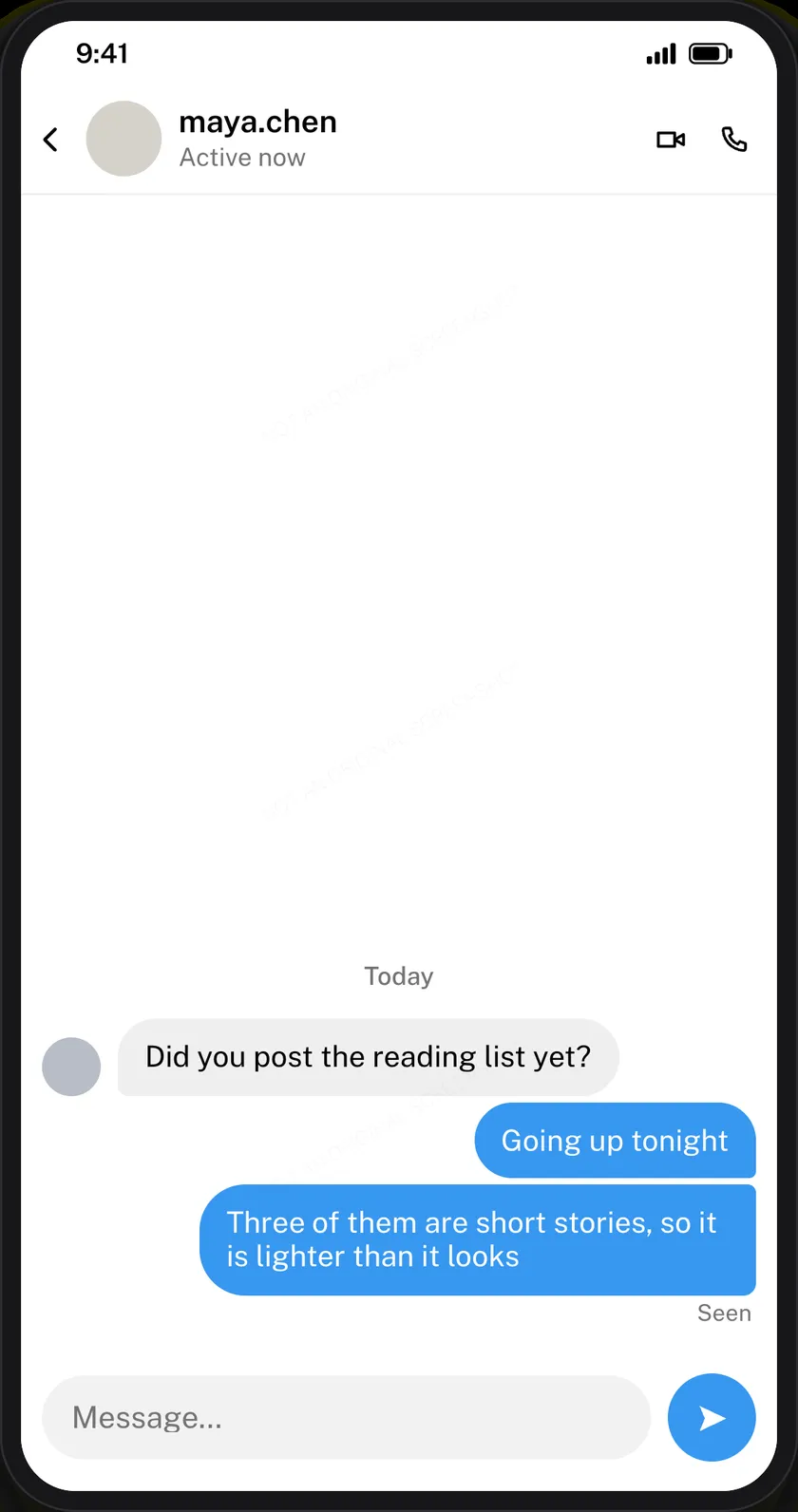
Username, avatar, verified tick and the activity line — Active now, or Active 2h ago.
Use a handle, not a name. Instagram DMs show the username at the top, and it is nearly always lowercase with a dot or an underscore. “Maria Lens” sitting where maria.lens belongs is the first thing that reads wrong, before anyone has got to the messages.
Both sides, short
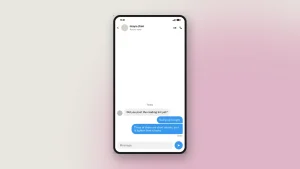
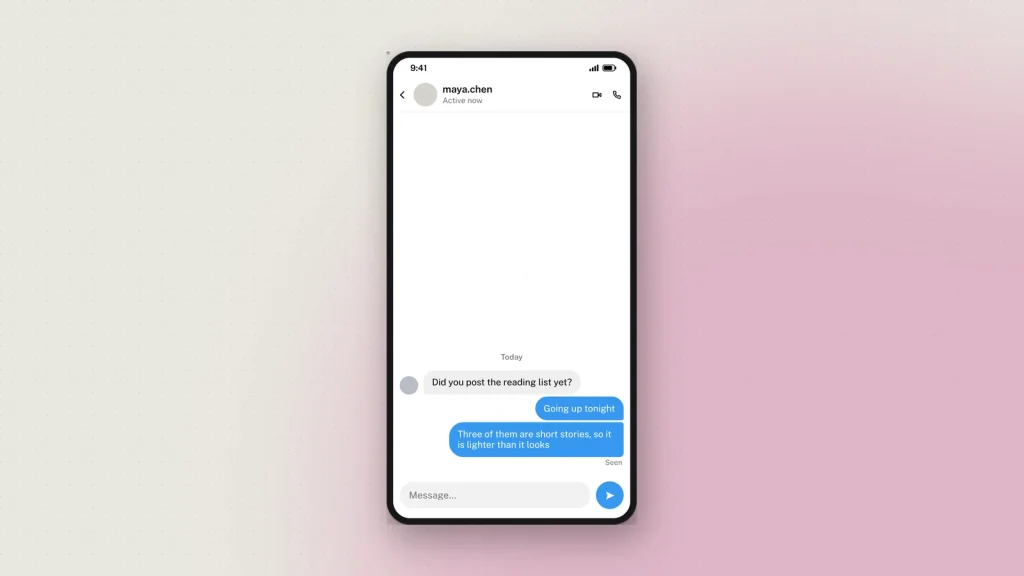
Each message is a card: pick Them or Me, type the text, set the time. Yours render on the right, theirs on the left in grey.
Length is the tell. DMs are shorter than comments, which are shorter than captions. If a bubble runs to three lines, it was probably written for a slide rather than typed on a phone.
Chat colours
Instagram lets a conversation take a theme, and the blue-to-purple gradient is the one people recognise. It applies to your messages only — theirs stay grey. A thread where both sides are purple is not a thread anybody has seen, and it is the single most common error in a hand-made Instagram mockup.
Seen goes once, at the end
Instagram writes Seen under the last message of a run. Not under every bubble. Marking each one is the error that an everyday Instagram user will notice without being able to say why.
Photos, voice notes and days
A thread of pure text is thinner than a real one. You can add:
- Photos shared into the conversation.
- Voice notes, with a duration you set — which say something on their own, because people send them when typing would take too long or feel too cold.
- Date dividers, for showing a gap between days without writing “two days later”.
Dark mode is the normal case
Most people run Instagram in dark mode, so a dark DM is the more ordinary-looking mockup. Both themes are there; dark is the better default if you are aiming for realism rather than legibility on a printed handout.
Editing on the preview
The dashed bubbles edit in place. Tap one on the preview and its field opens, with that bubble highlighted. On a phone the editor splits — preview above, controls below — and follows whichever field you are in.
Newest at the bottom, as in the app, and a long conversation runs off the top. That is a real screenshot’s behaviour, not a limit: a screenshot of a DM thread has never shown the whole thread.
The watermark on chat downloads
Every chat mockup carries a faint “Not an original screenshot” line, repeated so cropping keeps at least one copy. It cannot be switched off.
That is deliberate. A fabricated DM is one of the most effective ways to make someone believe a conversation happened, and the cost of one convincing fake is larger than the cost of a faint line across a teaching slide. There is also a hidden origin mark the verification tool reads from the file as it was downloaded. Resizing it or re-saving it as a JPEG destroys that mark, so check the original rather than a copy that has been through a messaging app.
What it gets used for
- Online-safety lessons. A grooming or pressure exchange recreated safely, so a class can name the tactics without a real child’s messages on screen.
- Scam awareness. The fake brand-ambassador offer, the hacked-friend message, the crypto pitch.
- Creator and agency training. A worked example of an outreach DM, used to teach tone to a new team.
- Design work. A placeholder conversation inside an app mockup.
- Documentation. A screenshot in a help article that will not break when the real thread is deleted.
Common questions
Is it free?
Yes, with no sign-up. Every feature including HD downloads works as a guest.
Can I use the gradient chat theme?
Yes, applied to your own messages, as Instagram applies it.
Can I add photos and voice notes?
Yes, along with date dividers. A voice note carries its own duration.
How many messages fit?
Up to 50, with the end of the conversation visible in the frame.
Does Instagram see any of this?
No. Nothing you write leaves your browser until you download, and then only the finished image reaches us — see the privacy policy.
What about posts and stories?
The post generator and the story generator share this editor, so a post, its story and the conversation around it stay consistent.
Label what you make as a mockup — see responsible use.
5 comments
-
Robert
Initially i usually used simitator, but came here on zeoob. Now never went back to simitator. Its far better than zeoob.
-
shalcom_moon23
live your life and I will live mine. Great tool 🙂
-
just_zara
Hallo geweldige tool, ik ben er echt dol op.
-
Rosalina
Amazing tool, i just pranked my mom 🙂
-
austawanda
Well i think you need to more improve you insta dm to sync with latest chat version of insta