What Is a WhatsApp Chat Simulator? And When to Use One
A WhatsApp chat simulator draws a conversation that never happened. What it is for, what it will not do, and how it differs from a screenshot.
On this page
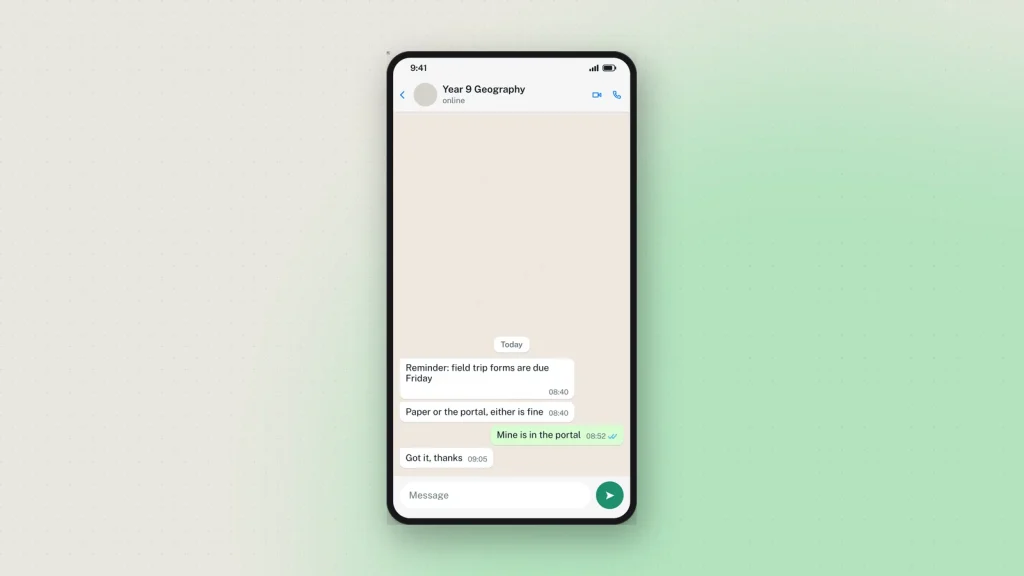
A simulator recreates a real process in a place where nothing is at stake. A flight simulator does not fly. A WhatsApp chat simulator does not message anybody — it draws a conversation that never happened and gives you a picture of it.
That distinction is the whole point, and it is worth being clear about because the word “generator” leads people to expect more. The output is an image. No number is involved, no account, nothing is sent, and nothing can be sent.
Why simulate a chat at all
Because the alternatives are all worse.
A real screenshot means a real conversation, with a real person’s words and usually their number. For an online-safety lesson about grooming or coercion, that is not a thing you can ethically put on a projector — and the people whose conversations would be most instructive are exactly the people who should not have them shown.
Staging it on two phones works, badly. It takes two devices, two numbers, twenty minutes, and you end up with a photograph of a screen rather than a screenshot.
Drawing it in a design tool takes an afternoon and still gets the tick spacing wrong.
A simulator gets you a clean, accurate picture in a few minutes, with nothing at stake and nobody’s conversation borrowed.
What a good one has to get right
Most of the work is in details that sound trivial and are not. The WhatsApp chat simulator exposes all of these:
- Platform. WhatsApp on iOS and WhatsApp on Android are drawn differently — header alignment, bubble radius, the composer. Pick the one your audience uses.
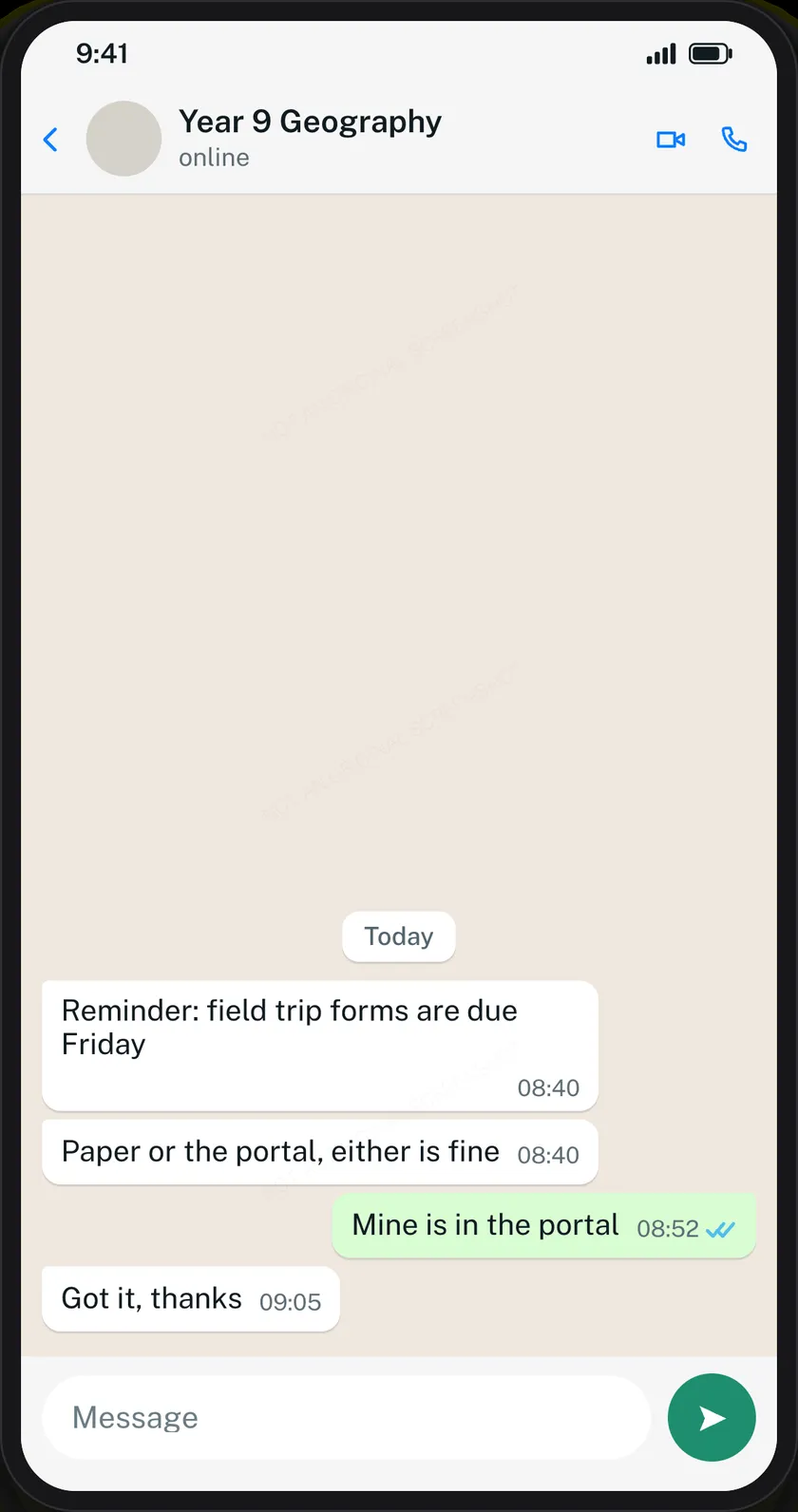
- Delivery state, per message. One grey tick, two grey, two blue. This is the most information-dense thing on the screen and the main reason a chat mockup can teach anything.
- Message kinds. Photos, voice notes with a duration, answered and missed calls, date dividers. A thread of pure text is thinner than any real conversation.
- The status line. online, typing…, or a last-seen time, under the contact’s name.
- Theme. Light and dark, in WhatsApp’s own colours rather than approximations.
What it will not do
It will not send a message, reach a phone number, access anybody’s account or recover a deleted conversation. People ask about all four. The answer to each is that the tool has no connection to WhatsApp at all — it is a drawing program with one very specific subject.
It also will not help you pass a mockup off as real, and that is on purpose. Every chat download carries a faint “Not an original screenshot” line, repeated so cropping keeps at least one copy, and it cannot be switched off. Every image also carries a hidden origin mark the verification tool reads from the file as it was downloaded. Resizing it or re-saving it as a JPEG destroys that mark, so check the original rather than a copy that has been through a messaging app.
That is a deliberate trade. Chat screenshots are the format most often used to fabricate evidence of a conversation — an admission, a threat, an agreement. The harm from one convincing fake is larger than the inconvenience of a faint diagonal line across a teaching slide.
Who uses one
- Teachers. Online-safety lessons, where the exchange being discussed must not be a real child’s.
- Safeguarding and training teams. Scam-awareness material: the delivery-fee text, the “hi mum” message from an unknown number, the bank-fraud warning.
- Support teams. A worked example of a business reply, to teach tone and timing to new staff.
- Designers and developers. A placeholder conversation inside an app mockup, instead of borrowing a real one.
- Writers and film-makers. On-screen messages for a production, where a real screenshot would show a real number.
How much fits in one
The preview is one phone screen, and a long conversation runs off the top exactly as a real screenshot does. That is the format being honest rather than a limit — a screenshot of a chat has never shown a whole chat. Build the part you want people to see.
Common questions
Is a chat simulator legal?
Making one is. Using one to deceive somebody is not, and depending on what you do with it may be fraud, defamation or harassment. Our terms prohibit it and the responsible use page explains what we ask and what we do about reports.
Is it free?
Yes, with no sign-up. Every feature including HD downloads works as a guest.
Does it work on a phone?
Yes — the editor has its own phone layout, with the preview above and the controls below.
Can I remove the watermark?
No. It is applied on our server after you press Generate.
Are there simulators for other apps?
Yes — Instagram DMs, Messenger, iPhone texts, Snapchat and X direct messages, plus the post and story tools.
1 comment
-
azarina Abdrahim
Nama saya baby